Back to Projects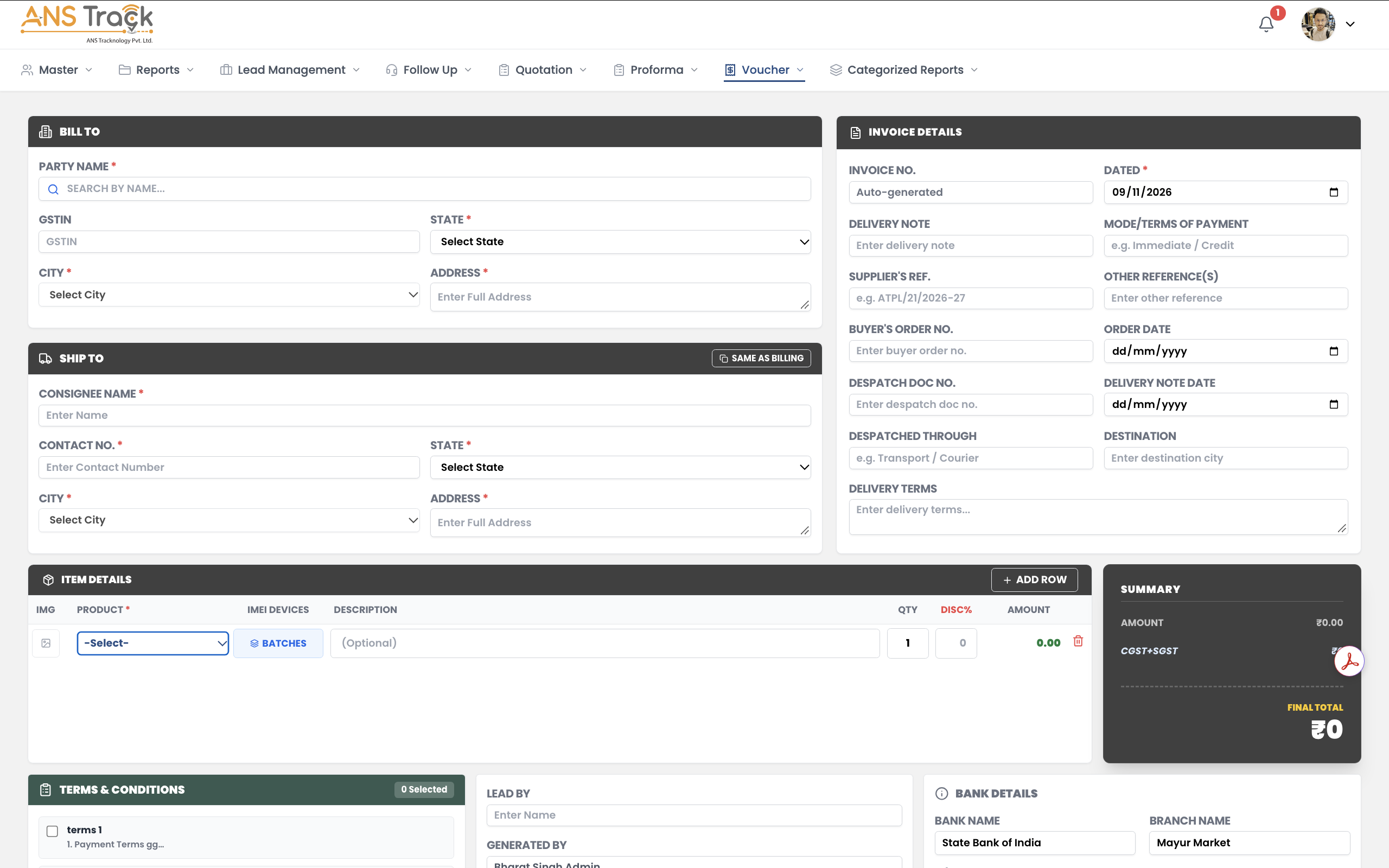
⚡ Frontend OwnedCompany ProductionPrivate Product
Enterprise CRM Case Study
Commercial Enterprise CRM
A multi-company CRM built around business operations, permissions, security and accountability.
React.jsTypeScriptReact Hook FormTailwind CSSREST APIs
CRM Interface
01 / 06
Role
Frontend Developer — Primary Frontend Ownership
Organization
Educerns Technologies Pvt Ltd
Timeline
2025 — Present
Product Access
Private & Permission Based
Product Overview
More than a dashboard — a complete multi-company business CRM.
The Commercial Enterprise CRM is not designed around one fixed administrator or one company. Multiple admins can operate independent company environments, configure their company identity and manage their own employees through controlled access. Each organization can use the CRM for day-to-day operations including parties, vendors, clients, inventory, quotations, proforma documents, purchases, sales and reporting.
Access control is a major part of the product. Employees do not receive unrestricted CRM access. Their visible modules and available actions depend on assigned roles and permissions. Important business actions can move through approval and rejection stages, while employee activity is tracked so administrators can review operational actions day by day.
Multi-Admin Environment
Multiple businesses can operate independently on the same CRM product while maintaining their own employees, data and workflows.
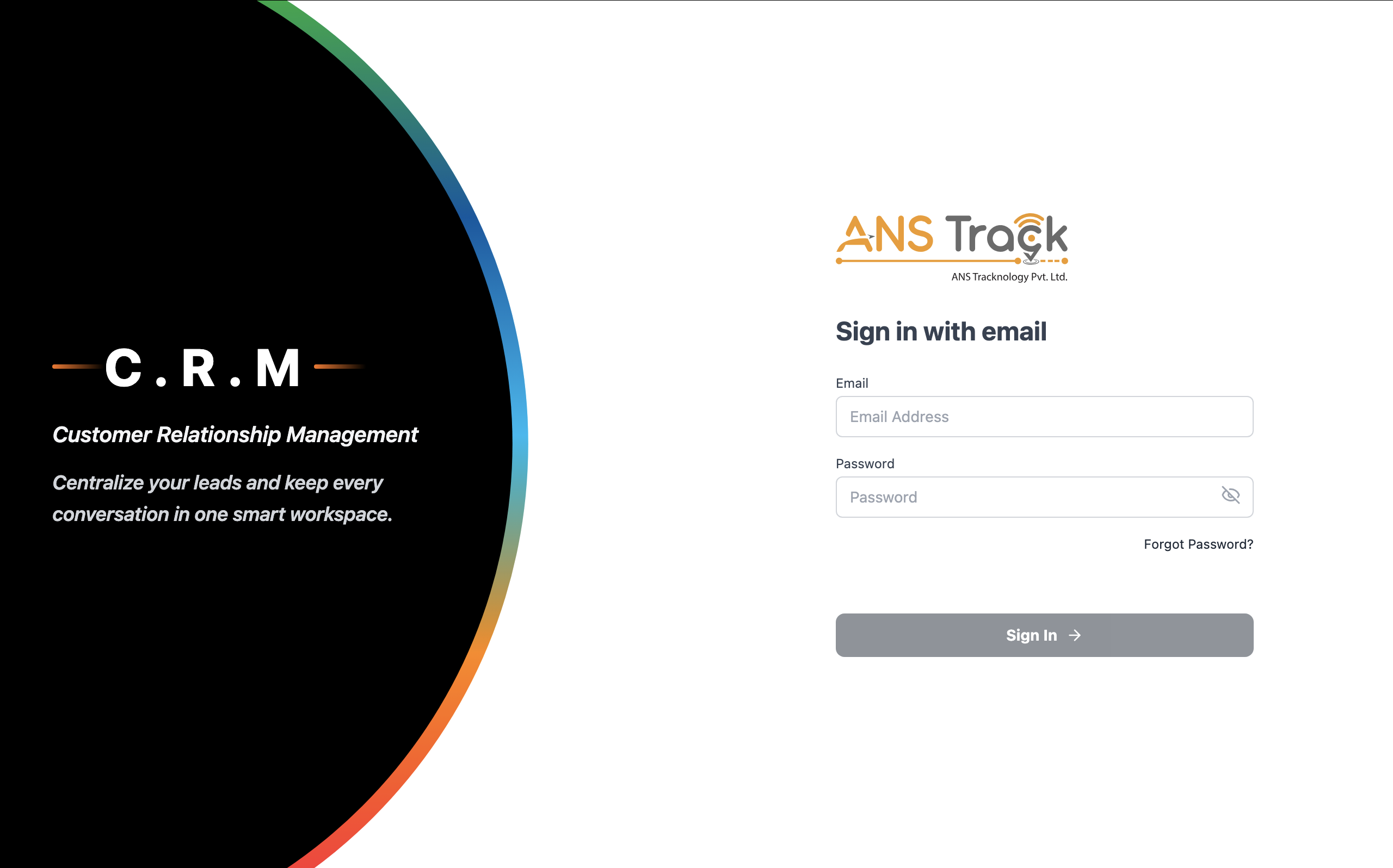
White-Label Companies
Company environments can use organization-specific identity and branding instead of presenting every business with the same fixed experience.
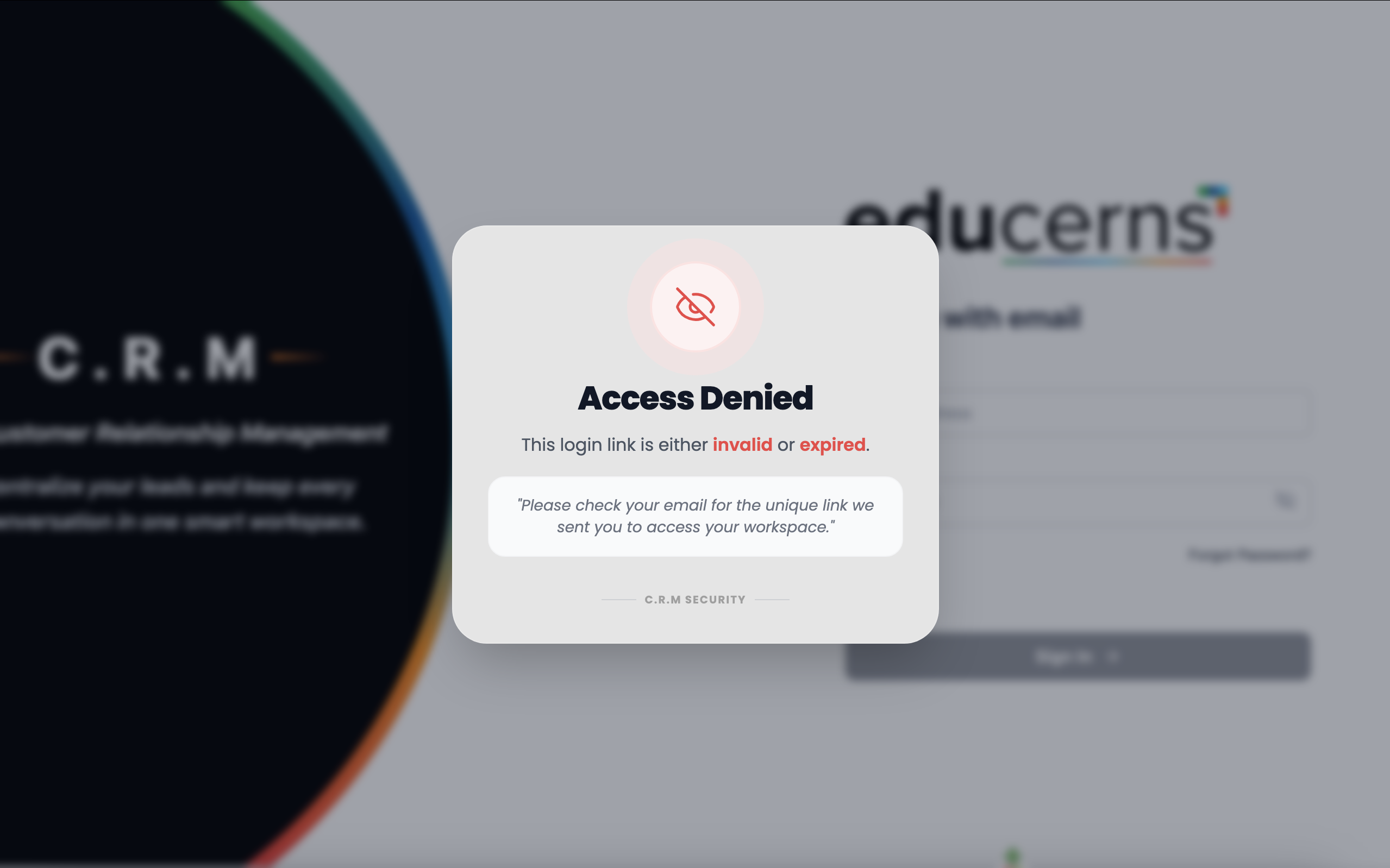
Controlled Login Access
Company access uses controlled company-specific login experiences instead of depending only on a predictable generic login URL.
Employee Role System
Employees only receive modules, information and actions relevant to the permissions assigned to their role.
Core Capabilities
Operational workflows connected in one product.
The major workflows and product experiences I worked on across this application.
Parties & Clients
Manage parties, customers and client information through reusable master-data workflows.
Vendor Management
Maintain vendor records and connect them with purchasing and operational workflows.
Stock & Inventory
Manage stock-related information and connect inventory with sales and purchases.
Sales
Handle sales workflows using structured line items, status management and document generation.
Purchases
Manage purchasing workflows connected with vendors, inventory and other business records.
Quotations
Create detailed quotations and produce professional PDF-ready documents.
Proforma Documents
Support proforma-based business workflows before final transaction processing.
Approval Workflows
Important employee actions can move through approval and rejection states based on business rules.
Bulk Upload
Bulk upload workflows allow large datasets to be introduced without manually creating every record.
Excel Reporting
Operational reports can be exported to Excel for further business analysis.
PDF Documents
Structured documents such as quotations and sales records can be prepared as professional PDFs.
Employee Tracking
Admins can review employee activity day by day to understand actions performed inside the CRM.
Permission Architecture
Access designed around roles and responsibilities.
Different users interact with the same product differently. Permissions control which modules, information and actions become available to each role.
Permission-driven module visibility
Employee role-based actions
Approval and rejection workflows
Company-specific access control
Admin and employee separation
Day-wise employee activity tracking
Restricted operational actions
Super Admin level visibility
Super Admin
Central oversight across company environments.
Super Admin functionality provides visibility across different company environments while maintaining admin-level separation and accountability.
Monitor activity across multiple company admins.
View operational information for different admin environments.
Enter an admin CRM when administrative supervision is required.
Maintain centralized visibility without removing company-level separation.
Track important actions for security and accountability.
Reports & Visibility
Turning operational data into useful visibility.
Reports help users and management understand important activity instead of leaving useful information hidden across individual modules.
Operational reports
Excel exports
Bulk data upload
Quotation PDFs
Sales document PDFs
Employee activity reports
Approval status visibility
Business transaction reporting
My Frontend Ownership
I worked across the product, not only isolated screens.
My responsibility covered product workflows, frontend structure, reusable interfaces and continuous implementation rather than only one individual feature.
Frontend architecture and reusable component structure
Complex business forms and validation
Permission-aware UI rendering
Role-based navigation and actions
Reusable tables, filters and pagination
API integration across operational modules
Large dataset handling
Excel import and export workflows
Business document and PDF interfaces
Responsive CRM screens
Loading, error and empty states
Continuous production delivery
Behind the Build
The thinking, difficulties and learning behind the product.
Every project added something different to how I understand products, users and frontend engineering.
01
Planning & Structure
Before implementation, I broke the CRM into business domains, users, permissions and operational modules instead of starting directly from individual screens. I used AI as a planning and research assistant to explore possible structures, edge cases, module relationships and user flows, then validated those ideas against the actual company requirements before implementation.
02
Difficulty I Faced
The difficult part was not creating individual forms. It was understanding how customers, vendors, stock, employees, permissions, quotations, purchases, sales, reports and approvals should work together without making every module tightly coupled.
03
What I Learned
This project significantly improved my understanding of enterprise frontend architecture. I learned to think beyond UI screens and understand the business process behind every action, how permissions change the same interface for different users and how reusable architecture becomes important as a product grows.
04
Human & User Behavior
Working on the CRM made me think more about how people actually use software during their workday. A technically correct interface is not enough if employees repeatedly perform the same action or managers cannot quickly understand important information. This pushed me toward reducing unnecessary steps, improving information hierarchy and keeping frequent workflows predictable.
05
How I Used AI
I used AI mainly during research and planning: mapping modules, questioning missing flows, considering edge cases, structuring feature requirements and comparing possible frontend approaches. It helped me explore faster, while final product decisions were based on actual business requirements and production behavior.
06
How It Improved Me
The project changed how I approach large applications. Instead of immediately thinking about components, I now first understand actors, permissions, data relationships, business states and the complete user journey.
Engineering Perspective
Challenge, approach and product impact.
01
Challenge
The CRM needed to support multiple independent companies, large operational datasets, employee permissions and connected financial and business workflows without making the frontend difficult to maintain.
02
Solution
I structured the frontend around reusable forms, tables, permission-aware components, shared validation, reusable business utilities and predictable API-driven workflows. This allowed multiple company environments and employee roles to reuse the same frontend architecture without duplicating entire modules.
03
Impact
The CRM gives businesses a centralized operational platform for managing customers, vendors, employees, inventory, sales, purchases, documents, reports and employee activity while providing Super Admins centralized visibility across company environments.
More Work
Explore more products I've worked on.
Production applications, frontend-owned products and collaborative work across different business domains.